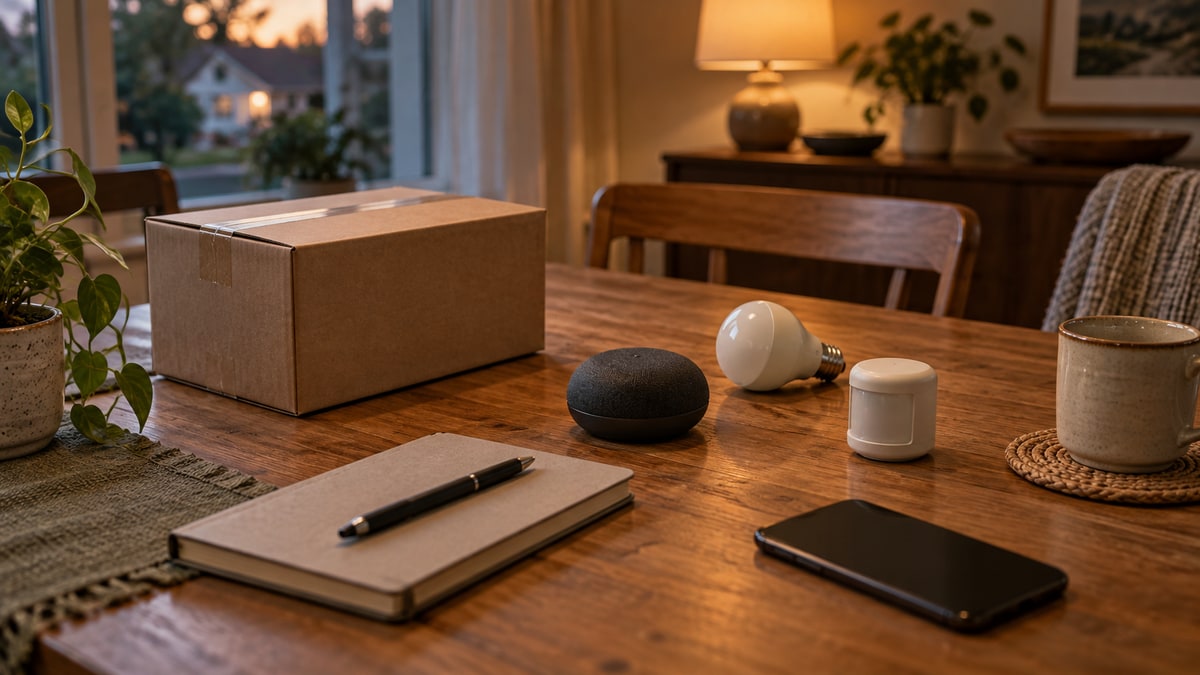
Stop buying smart-home devices one at a time until you know which app your household wants to use every day.
That does not mean you need to pledge loyalty to one brand. It means the next bulb, plug, lock, sensor, or thermostat should fit a control plan instead of creating another app, account, bridge, and troubleshooting path.
Apple Home, Google Home, Amazon Alexa, and Samsung SmartThings can all be reasonable starting points. The useful question is not, “Which platform has the most features?” It is, “Which platform fits the people, phones, hardware, and maintenance habits already in this home?”
The Short Answer
Start with the platform your household can actually share and maintain.
- If the home already runs on iPhones, Apple Watches, HomePods, or Apple TV, Apple Home deserves the first check.
- If Google Home or Nest speakers, displays, or Wi-Fi products are already part of daily life, Google Home is the natural first candidate.
- If Echo devices and Alexa voice control already anchor routines, Amazon Alexa should be evaluated first.
- If the home has Samsung appliances or needs a hub for a broader mix of Zigbee, Z-Wave, and LAN-connected devices, SmartThings may be the more practical starting point.
Those are starting signals, not verdicts. The exact device, controller, feature, account setup, and region still have to match.
Compare the Household Fit, Not the Logo Count
| Platform | Strong starting signal | Verify first | Stop and reconsider when |
|---|---|---|---|
| Apple Home | The household already uses Apple devices and wants the Home app and Siri as the main controls | A supported home hub, exact accessory support, household Apple Accounts, and any Thread requirement | Key users do not use Apple devices, or the desired feature only exists in the maker’s app |
| Google Home | Google/Nest hardware or the Google Home app already organizes the home | A compatible Matter hub when needed, exact controls in Google Home, and member permissions | The product appears in the app but the feature you need is not controllable there |
| Amazon Alexa | Echo devices and voice control are already the shared household interface | Works with Alexa support, the exact Echo/eero controller capability, and any Thread requirement | The purchase depends on a capability that your current Alexa hardware does not provide |
| SmartThings | Samsung appliances or a mixed set of hub-connected devices need one automation layer | Whether the exact hub supports the required protocol and whether all daily users accept the added setup depth | App-only setup is being confused with hub capability, or nobody wants to maintain the more complex system |
The right answer may be “keep what we have.” If the household uses one or two devices successfully in their manufacturers’ apps, adding a platform may create more work than value.
Choose Apple Home When the Apple Account Model Already Fits
Apple positions the Home app as the control surface across Apple devices. Supported HomePod and Apple TV products can act as home hubs for remote access and automations, and Matter or Thread accessories can add specific hub requirements. Apple’s current setup documentation says Matter accessories require a home hub and Thread-based accessories require a Thread-enabled home hub or compatible border router.
That makes Apple Home a sensible first candidate when the household already uses Apple devices and is comfortable organizing access through Apple Accounts.
Before buying, check the exact accessory and the exact Apple hub model. Do not stop at “Works with Apple Home” or a Matter logo. Confirm that the feature you want—perhaps a lock credential, camera function, sensor reading, or automation trigger—appears in the Home app on the devices your household will use.
Current references: Apple Home app and Apple’s accessory setup guide.
Choose Google Home When Google or Nest Is Already the Shared Control Layer
Google Home can set up supported Matter devices and link many third-party devices. Google’s own support page also notes an important limit: some third-party devices can show status in Google Home even when particular controls still require the manufacturer’s app.
That distinction matters more than a long compatibility list. A device can be visible without giving the household the one control it expected to use.
Google Home is therefore a reasonable first candidate when the home already relies on Google or Nest hardware, the Google Home app is familiar, and a compatible Matter hub is available when the planned device needs one. For Thread-based Matter devices, verify the Thread path as well.
Current references: Google’s Matter preparation guide and Google’s third-party device setup guide.
Choose Alexa When Voice Control Is Already the Household Habit
Amazon tells buyers to look for the Works with Alexa badge and provides an Alexa-app path for supported Matter devices. But the Alexa label does not mean every Echo or eero device has the same controller or Thread capability.
Alexa is a strong first candidate when several people already use Echo devices for everyday voice control and the planned devices appear in Amazon’s current compatibility information. The buying check should name the exact Alexa hardware that will remain online, not simply “we have an Echo somewhere.”
If the new device uses Matter over Thread, Amazon’s instructions say to confirm that a compatible Thread-enabled Alexa device is online. That is a specific infrastructure check, not a reason to assume every Matter purchase will work with every Echo.
Current references: Amazon’s Alexa device connection guide and Amazon’s Matter setup guide.
Choose SmartThings When the Home Needs a Broader Hub
SmartThings can be the more useful starting candidate when the household owns Samsung appliances or wants an enabled hub that can manage Zigbee, Z-Wave, and LAN-connected devices. That is a different need from simply installing the SmartThings app.
The distinction between app and hub matters. A phone can run the app, but the planned device may still require a compatible SmartThings-enabled hub, Matter controller, or Thread border router. Check the exact hub and protocol before buying.
SmartThings also asks the household to accept a little more system ownership. More connection options can be valuable, but only if someone is willing to maintain the hub, linked services, routines, updates, and member access.
Current references: Samsung’s SmartThings overview and SmartThings-enabled hub guidance.
Matter Helps, but It Does Not Erase the Platform Decision
Matter can let a supported device join more than one supported ecosystem through multi-admin. That is useful. It can reduce the pressure to make one platform the permanent winner.
It does not guarantee that every app exposes every feature in the same way. It also does not remove the need for a compatible controller, and a Thread-based Matter device still needs an appropriate Thread border-router path.
For a non-technical household, the cleanest plan is usually to choose one primary daily-control platform first. Add a second platform only when a named person can explain why it is needed and how access, automations, and troubleshooting will be divided.
If Matter, Thread, Zigbee, and Z-Wave are still blending together, read the plain-English smart-home terms guide before buying.
Ask These Five Questions Before the Next Purchase
1. Which app will people actually open?
Name one primary app. “Any of them” often becomes “nobody knows which one controls this device.”
2. Which controller stays powered and connected?
Write down the exact HomePod, Apple TV, Google/Nest hub, Echo/eero device, or SmartThings-enabled hub that the setup depends on. If the answer is unclear, pause the purchase.
3. Does the exact feature work in that platform?
Do not check only whether the model can be added. Check whether the desired lock, camera, sensor, thermostat, lighting, or automation function is available in the primary app.
4. Who gets access, and who maintains it?
Household sharing can provide broad control. Use separate accounts, review current permissions, and name the person responsible for updates, account recovery, batteries, and support records.
5. What still works when the smart layer does not?
A light switch, thermostat, lock, or plug should still have an acceptable fallback for the people who rely on it. The fallback does not have to be elegant. It has to be understood.
The non-technical smart-home setup checklist turns those answers into a one-device record.
Write a Platform Decision Note
Before buying, put these seven lines in a shared household note:
- Primary platform and app
- Exact controller, hub, or border router
- Household accounts and access roles
- The one feature the next device must provide
- Official page confirming that feature
- Manual fallback
- Maintenance owner and return deadline
If you cannot fill in lines two, four, and five, you are still shopping for a promise rather than a working fit.
Pick One Platform, Then Test One Modest Device
The goal is not to predict the perfect ecosystem for the next decade. It is to stop adding incompatible assumptions to the house.
Choose the platform that best matches the household today. Verify one exact device and one exact feature. Let everyone use it long enough to learn whether the app, account sharing, fallback, and upkeep are acceptable. Expand only after that small test works.
That is less exciting than a cart full of smart devices. It is also much closer to a smart home the household can live with.
Sources and Verification Notes
Platform behavior changes. The platform, support, and standards pages linked above were checked on October 10, 2026. Before purchasing, reopen the current page for the exact model, region, controller, account role, and feature you plan to use. Matter support is useful compatibility evidence, not a promise that every feature works identically in every platform.