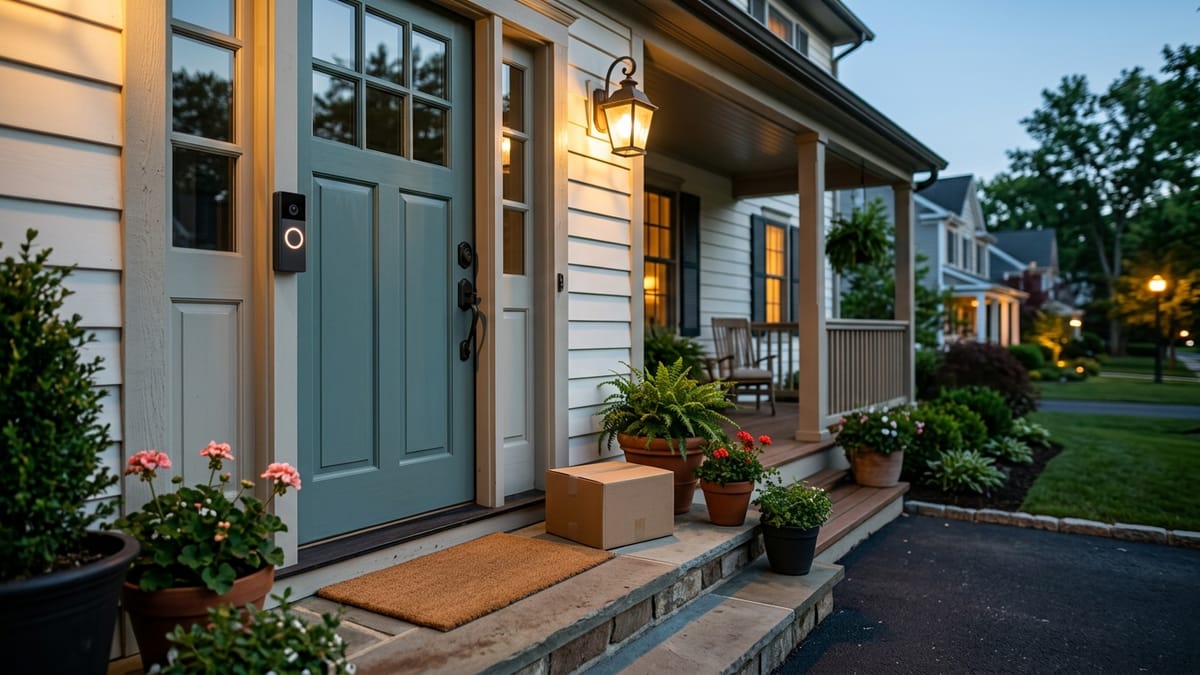
The doorbell alert appeared while you were in a meeting. Twenty minutes later, you open the app to see who was there—and discover that the notification did not necessarily include a recording you can replay.
That is the question hidden behind many “no monthly fee” claims. A doorbell can notify you, show live video, or let you speak to a visitor without automatically saving the event for later. Another model may save clips locally, but only after you buy a hub or memory card and keep that storage working.
This guide compares current manufacturer documentation, not hands-on tests. I did not install or use these products. Features, plan names, and regional availability can change, so the examples below are a dated snapshot verified on July 17, 2026, not a promise that any feature will remain free permanently.
“No monthly fee” hides four different models
The phrase can describe four arrangements:
- Live response only. You can receive a doorbell notification, open live view, and answer while the event is happening. Saved video history requires a plan.
- Short included cloud history. The manufacturer keeps a limited amount of event history without a subscription, while longer history requires a paid tier.
- Local storage through a hub. Clips can be stored without a plan, but a compatible base station and storage device are required.
- Storage on or near the doorbell. A memory card or nearby base stores events, shifting responsibility for capacity and maintenance to the homeowner.
They are not equivalent. The useful question is not “Does it work without a plan?” It is “What can I still do after I miss the alert?”
If you are still deciding whether a doorbell camera is the right category, the separate guide to indoor, outdoor, and doorbell cameras handles that earlier decision. Here, the category is already settled; the focus is what the no-fee claim actually includes.
What usually stays available without a subscription
Current documentation across the examples shows that some basic functions can remain available without a paid plan: a doorbell notification, some motion notifications, live viewing, and two-way conversation. But even those basics depend on the app, account, internet connection, phone permissions, device power, and Wi-Fi at the front door.
The differences become sharper when you ask about saved events. Ring says a subscription is not required for real-time video or answering doorbell notifications, but reviewing recorded video requires a compatible subscription. Google documents limited event history without a subscription for its Nest Doorbell (battery), with longer history in paid plans. Blink and eufy offer local-storage paths, but those paths introduce specific hardware and storage requirements.
What “no monthly fee” actually includes
This table is an independent summary of official documentation, not a ranking. It focuses on one representative current model from each ecosystem. The wording applies to the cited model and documentation checked on July 17, 2026; other models and regions may differ.
| Ecosystem and example | Useful functions documented without a subscription | Missed-event history without a plan | Hardware needed for no-fee recording | Paid service or important limitation | Household access note |
|---|---|---|---|---|---|
| Ring Battery Video Doorbell (2nd Gen) | Real-time video, doorbell notifications as they happen, and two-way response | Ring says recorded-video review requires a compatible subscription | No local-recording path is described for this doorbell in the sources used | A compatible Ring subscription adds saving, reviewing, and sharing recordings; some extended live-view features are also plan-dependent | The owner can add Shared Users; permissions should be reviewed before sharing access |
| Google Nest Doorbell (battery) | Live view, visitor interaction, alerts, and limited event history through the Google Home app | Google documents event recordings stored for up to three hours for this model without a subscription | No user-managed memory-card or local-hub path is documented | Google Home Premium extends event history; feature sets vary by model and region | Google Home members can receive broad access to home devices and history, not just one clip |
| Blink Video Doorbell (2nd Gen) | App-connected doorbell use, notifications, live view, and two-way talk with its required Sync Module | Eligible event clips can be stored locally through Sync Module 2 with a compatible USB drive | A Sync Module is required for this model; local storage needs Sync Module 2 plus a USB drive sold separately | A subscription offers cloud storage and other plan/model-dependent features; local clips depend on storage capacity and maintenance | Blink documents household access through the same account login, which may be less granular than separate roles |
| eufy Video Doorbell C31 | Notifications, live video calling, human/motion detection, and local event recording | Event recordings can be stored on a microSD card in the doorbell or on a compatible HomeBase | A microSD card up to 128GB is supported but excluded; HomeBase expansion is optional | Storage duration depends on capacity and event activity; the homeowner manages the local media | The eufySecurity app distinguishes Guest and Admin access; both can play and download recordings, with different control permissions |
The table shows why the monthly payment cannot be considered in isolation. Ring shifts more of the saved-history value into a subscription. Google includes a small cloud-history window. Blink shifts the cost toward a required hub and removable USB storage. eufy shifts it toward a memory card or optional base and the work of managing local storage.
None is automatically better. Each makes a different compromise between recurring cost, retained history, hardware, household access, and maintenance.
Alerts are not the same as recorded history
A motion alert answers: Did the system notice something now?
Recorded history answers: Can I see what happened after the event is over?
That distinction matters when you are away from your phone. Live view has little value after an event unless the system retained a clip.
Before choosing a doorbell, walk through one ordinary failure case: a delivery arrives, your phone is silent, and you check two hours later. Does the app show a playable recording? If yes, where was it stored, how long will it remain, and can another household member retrieve it? If no, then the product’s no-fee experience is primarily live response—not missed-event review.
Smart detection needs the same care. “Motion detection,” “person detection,” and “package detection” are not interchangeable. Some manufacturers include selected detections on particular models; others reserve advanced alerts for a plan. Treat each detection label as a model-specific claim and verify it on the current product and plan pages.
Local storage shifts the cost instead of removing it
Local storage can reduce dependence on a recurring cloud plan, but it is not cost-free or maintenance-free.
- A hub may be mandatory. Blink’s current second-generation doorbell requires a Sync Module just to function, and local clip storage requires a suitable Sync Module 2 and USB drive.
- Media may be extra. eufy lists microSD support for the C31 but says the card is excluded. Blink says the USB drive is sold separately.
- Capacity still ends. A full, failed, removed, or reformatted card cannot behave like unlimited storage. Retention varies with capacity, recording length, and event frequency.
- The local device is part of the failure path. A doorbell, hub, card, or drive can lose power, disconnect, or become inaccessible. Local does not mean independent of the app, router, or internet for every function.
- Someone must maintain it. The homeowner may need to check free space, replace storage media, export important clips, and confirm that recording still works after an app or firmware update.
Cloud history moves much of that storage work to the service provider, but introduces a subscription, account dependence, retention rules, and changing plan terms. The practical comparison is recurring payment versus extra hardware and homeowner maintenance—not “cloud bad, local good.”
Household access belongs in the decision
A doorbell used by one person is different from a doorbell used by a family, caregiver, or house sitter. Ask whether each person receives their own invitation and permissions or must use a shared login.
Google Home members can have broad control across the home, so adding someone for doorbell access may expose more than one device. Blink’s support material describes family members signing in with the same account credentials. eufy describes Guest and Admin roles with different settings permissions, while both roles can play and download recordings. Ring offers Shared Users under an owner account.
Those are not minor app details. They affect password sharing, offboarding, privacy, and who can delete or download clips. If several people need access, test the account model on paper before buying: who owns the account, who can view history, who can change settings, and how access will be removed later?
Which no-fee model fits which household?
These are scenario matches, not product recommendations:
- You only want to see and answer the door in real time. A live-response model may be enough. Accept that a missed alert may leave no recording to review.
- You want a small safety net for recently missed events. Limited included cloud history can be simpler than maintaining local media, provided the retention window fits your routine.
- You want saved clips without a recurring plan and accept a hub. A hub-and-USB model can fit, but include the required hub, storage drive, and upkeep in the purchase decision.
- You prefer storage on the device or an optional base. A memory-card model may reduce subscription dependence, but you become responsible for capacity, media health, and backups.
- Several household members need access. Compare roles and permissions before camera specifications. A shared password is a different risk from separate user invitations.
- Advanced person or package alerts are essential. Verify the exact model and current plan page. Do not assume the phrase “AI detection” describes the same included feature across brands.
If this is your first connected-home purchase, the broader questions to ask before buying your first smart home device can help with Wi-Fi, account, privacy, and support concerns. If you are worried about buying an overcomplicated category too early, use the separate guide to smart-home devices homeowners often regret buying first.
Five questions the product page should answer
- What works after the trial ends? Ignore trial features and compare the documented no-subscription state.
- What remains when I miss an alert? Look for recorded event history, not merely motion notifications or live view.
- Where is the clip stored? Identify cloud, onboard card, hub, or USB storage—and whether that hardware is included.
- Who can access it? Check invitations, shared credentials, permission levels, downloads, and removal of household access.
- What changes by model or region? Confirm the exact model name, support page, app requirement, and local plan terms immediately before purchase.
Also point the camera thoughtfully and check applicable local rules for audio and video recording. This article does not provide legal advice. A video doorbell may help you see or respond to activity, but it cannot guarantee safety or prevent crime.
Sources checked
All sources below are official manufacturer pages and were verified on July 17, 2026. They support the feature boundaries summarized above; links are provided so readers can recheck current wording.
- Ring: Battery Video Doorbell (2nd Gen) product page and Ring devices with and without a subscription
- Ring: Live View features and subscription-dependent extensions
- Google: Google Home Premium feature comparison for Nest doorbells
- Google: Share a home and devices in the Google Home app
- Blink: Video Doorbell (2nd Gen) model and Sync Module requirements
- Blink: Sync Module 2 local-storage requirements and household account access
- eufy: Video Doorbell C31 product and storage summary and C31/C30 local-storage documentation
- eufy: Guest and Admin access in the eufySecurity app
The practical judgment
“No monthly fee” is useful only when the remaining feature set matches the moment you care about. Decide first whether you need live response, missed-event playback, advanced detection, or shared household access. Then identify where recordings live and who maintains that storage.
If the documentation cannot clearly answer those questions after the trial ends, the product is not yet clear enough to buy—regardless of the words on the front of the box.