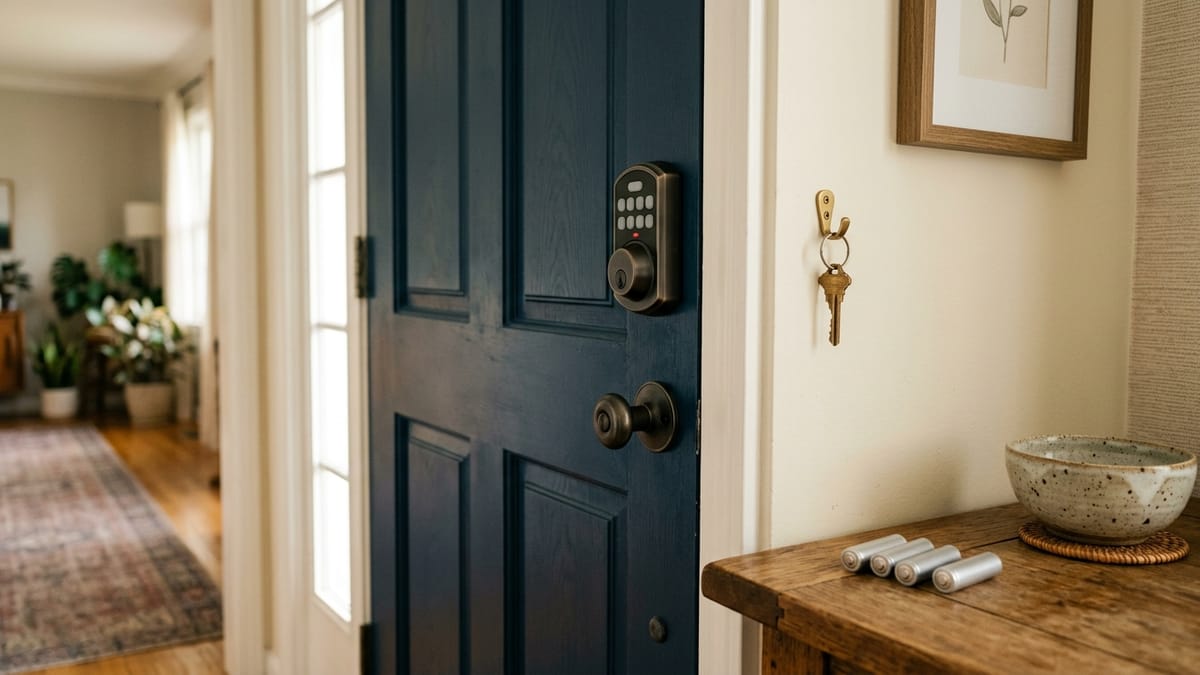
The front door may need to work for four very different people on the same day. One resident wants to use a phone, another wants a key, a cleaner needs access for two hours, and a relative should be able to get in even if the internet is down.
That is the real smart-lock decision. A smart lock can simplify entry and temporary access, but it also creates a small access system that someone must govern. The household has to choose everyday entry methods, recovery methods, account roles, battery routines, and a response when a phone or network is unavailable.
This guide is based on current manufacturer documentation for representative Schlage, Yale, August, and Level products. I did not install, own, defeat, or test these locks. It is an access-planning guide, not a product ranking, installation guide, or claim that a connected lock makes a home safer.
Convenience is not the same as security
A keypad can reduce spare-key handoffs. An app can let an owner change guest access without collecting a key. A phone or watch can become one entry method. Those are real convenience changes.
They do not establish the strength of the door, frame, strike, installation, account, or household routine. A lock’s published hardware grade can describe tested characteristics of that product, but it does not promise that the complete entry is secure or that a particular household will avoid a break-in.
The useful question is narrower: Will this lock give the household better-controlled access without creating a recovery plan that is too fragile?
Four current approaches to access and failure
The table compares documented mechanisms, not overall quality. Exact model and region matter.
| Ecosystem or model family | Everyday entry methods | Physical or emergency fallback | Remote-access dependency | Household or guest access | Battery or power-failure behavior | Important limitation | Verified |
|---|---|---|---|---|---|---|---|
| Schlage Encode Plus | Keypad codes, Schlage Home app, Apple home key, physical key | Physical backup key | Built-in Wi-Fi for Schlage remote functions; Bluetooth remains relevant locally | Unique access codes and app management | Four AA batteries with lock/app low-battery notice; battery operation continues during a house power outage | Apple home key and ecosystem functions require compatible devices and current platform support | 2026-07-18 |
| Yale Assure Lock 2 family | Keypad, Yale Access app, and a key on keyed variants | Physical key on keyed variants; documented 9V emergency power for specified key-free YRD420/YRD450 models | Remote features depend on the exact connectivity version or module | Scheduled app access or entry codes; Owner and Guest roles differ | Battery response and fallback differ between keyed and key-free models | “Assure Lock 2” is a family, so the exact model number and connectivity package must be checked | 2026-07-18 |
| August Wi-Fi Smart Lock | August app, Bluetooth proximity features, optional keypad, existing exterior key | Existing single-cylinder deadbolt and original key remain | Built-in Wi-Fi supports remote operations; Bluetooth supports local operation | Virtual guest access through the app | Battery maintenance remains required; the retained key is the non-app fallback | Retrofit compatibility is limited to supported single-cylinder deadbolts and does not fix a binding door | 2026-07-18 |
| Level Lock+ family | Level app, key, key card/fob, Apple home key on supported versions, optional keypad | Conventional key | Remote control requires Level Connect or a compatible platform/hub path, depending on version | Guest and Admin roles; temporary and recurring access are documented | CR2 battery alerts are app/connectivity dependent; at critically low power motorized operation stops, while the physical key remains available | Features differ across Lock+, Wi-Fi, Matter, Connect, keypad, and platform combinations | 2026-07-18 |
This comparison exposes a recurring pattern: an entry option and a recovery option are not the same thing. A phone may be convenient every day, while a key, emergency-power contact, or another local method handles a failure. Buying a lock with many entry methods does not help if the people who need them do not know which method works offline.
Plan access by person, not by feature count
The household should be able to explain who can enter, who can change access, and what happens when the usual method fails.
| Situation | Practical access method to consider | Governance or recovery question |
|---|---|---|
| Primary resident | A preferred daily method plus a separate fallback | Who else can recover the account or use the fallback? |
| Child or teenager | A method that does not assume a charged phone | Can access be removed or changed without disrupting everyone else? |
| Older family member | Familiar key or simple code if comfortable | Is the method readable, memorable, and usable without app administration? |
| Cleaner or contractor | Time-limited code or guest access | Who creates it, when does it expire, and who removes it? |
| Short-term guest | Temporary code, pass, or agreed physical key | Does the guest need an account, app, data connection, or proximity to the door? |
| Phone lost | Physical key, keypad, trusted co-owner, or documented account recovery | Can the lost phone’s access be revoked promptly? |
| Account owner unavailable | A second responsible owner only when appropriate | Does that role also allow settings changes, new users, or firmware control? |
| Battery low | Replace the specified battery before the warning becomes critical | Are alerts visible to someone who will act, and is the fallback still available? |
| Internet unavailable | A documented local method such as key, keypad, Bluetooth, card, or home key | Which features stop: remote control, logs, alerts, code changes, or the actual local unlock? |
There is no universal ideal. Giving every adult full administrator rights may be unnecessary; leaving one person as the only owner may create a recovery problem. A guest code can be easier than an app invitation, but only if the exact lock supports codes and someone maintains them.
Remote access and local unlocking are separate
“Works with Wi-Fi” often describes remote status, remote control, notifications, or integration. It does not necessarily mean the lock becomes unusable when home internet fails.
August documents built-in Wi-Fi for remote operations and Bluetooth for local operation on its Wi-Fi Smart Lock. Schlage says Encode-family Bluetooth can remain available during a Wi-Fi outage when paired with the app. Level separates remote functions provided by Connect or a compatible hub from local methods such as a key, card, home key, or nearby app control. Yale’s capabilities depend on the Assure Lock 2 version and installed connectivity option.
Before buying, write down two sentences:
- “When the internet is working, we will usually enter with ___.”
- “When the phone, account, or internet is unavailable, we will enter with ___.”
If the second blank cannot be filled from current documentation, the model is not ready for the household shortlist.
Guest convenience creates account governance
Manufacturer apps distinguish between people who can merely unlock and people who can administer the home. Yale documents Guest and Owner access, with Owners able to manage settings and other users. Level documents Guest and Admin privileges, including the broader ability of Admins to change settings and grant access.
That distinction matters more than the number of guest codes advertised. Decide:
- who may add or remove people;
- whether access is always-on, temporary, or recurring;
- who can see activity records and notifications;
- how an old guest is removed;
- what happens when the primary owner moves, sells the home, or loses account access.
Yale’s current support guidance says an owner removing a lock from an account for transfer generally needs to factory-reset it, which also removes associated accounts. That is a reminder to check transfer and reset procedures before a move—not an instruction to reset a working lock casually.
Access logs can be useful for managing a shared routine. They can also feel intrusive inside a household. Agree on their purpose instead of treating monitoring as the default.
Low-battery alerts are warnings, not guaranteed entry
Battery claims are unusually easy to overread. A manufacturer may publish an estimate under typical conditions, but temperature, connectivity, motor effort, daily use, and door alignment can change real life.
More important than a headline estimate is the documented sequence:
- Where does the low-battery notice appear?
- Does someone have to open the app nearby before the reading updates?
- What functions stop at a critically low level?
- Does the exact model retain a key, accept temporary emergency power, or offer another fallback?
Level notes that some battery alerts update when the app is opened within Bluetooth range or through Level Connect, and that critically low power disables motorized operations while the physical key remains usable. Schlage documents touchscreen and app warnings plus a backup key for Encode Plus. Yale documents a 9V emergency-power path for specified key-free Assure Lock 2 models, while keyed versions use a different fallback.
Do not merge those examples into a brand-wide rule. Record the exact model’s battery type and fallback in the household plan.
Physical fit comes before app fit
August’s retrofit model is designed for compatible single-cylinder deadbolts and keeps the exterior hardware. Schlage Encode Plus publishes door-thickness and backset ranges. Level provides a door-fit guide. Yale separates multiple Assure Lock 2 model numbers and configurations.
These are screening facts, not installation approval. The current deadbolt should move smoothly, the door should close without needing force, and the manufacturer’s current fit information should match the actual hardware. A motorized lock should not be expected to correct a dragging bolt or misaligned door.
Use safe records, model numbers, and manufacturer fit tools. If hardware type, alignment, fire-door requirements, rental permission, or local requirements are unclear, use manufacturer support or a qualified door-hardware professional. This article does not provide installation, bypass, locksmith, or legal instructions.
A decision that survives failure
A smart lock is a reasonable candidate when it solves a named access problem, fits the door, offers an understood non-app fallback, and gives the household a manageable owner/guest structure.
It is a poor candidate when the main promise is vague “security,” the fallback is unknown, only one person understands the account, or the door already binds. A simpler keypad lock, a better key routine, or no change may be the more reliable decision.
For connected-door visibility rather than access management, the camera-category guide addresses a different question. For fees and missed-event history at the front door, use the no-monthly-fee video-doorbell guide.
Current documentation used
Verified 2026-07-18:
- Schlage: Encode Plus product specifications and Encode-family access and outage differences
- Yale: Assure Lock 2 battery and emergency-power troubleshooting, guest and owner access, and account removal and transfer boundary
- August: Wi-Fi Smart Lock product scope and current generation and deadbolt compatibility FAQ
- Level: Lock+ entry and remote-access methods, Admin and Guest permissions, and battery warnings and physical-key fallback